Hey! Let's get your customer records tidy today — simple habits that stop leads slipping away. 🧠
| Quick answer: one system, one owner, one weekly habit — capture every customer in a single place and the business stops leaking enquiries. |
Most customer information problems are not software problems 🗂️. They are ownership problems: three people holding three versions of the same client, and nobody responsible for the fourth version — the one in the notebook that went home in somebody’s bag.
Start With One Rule 📌
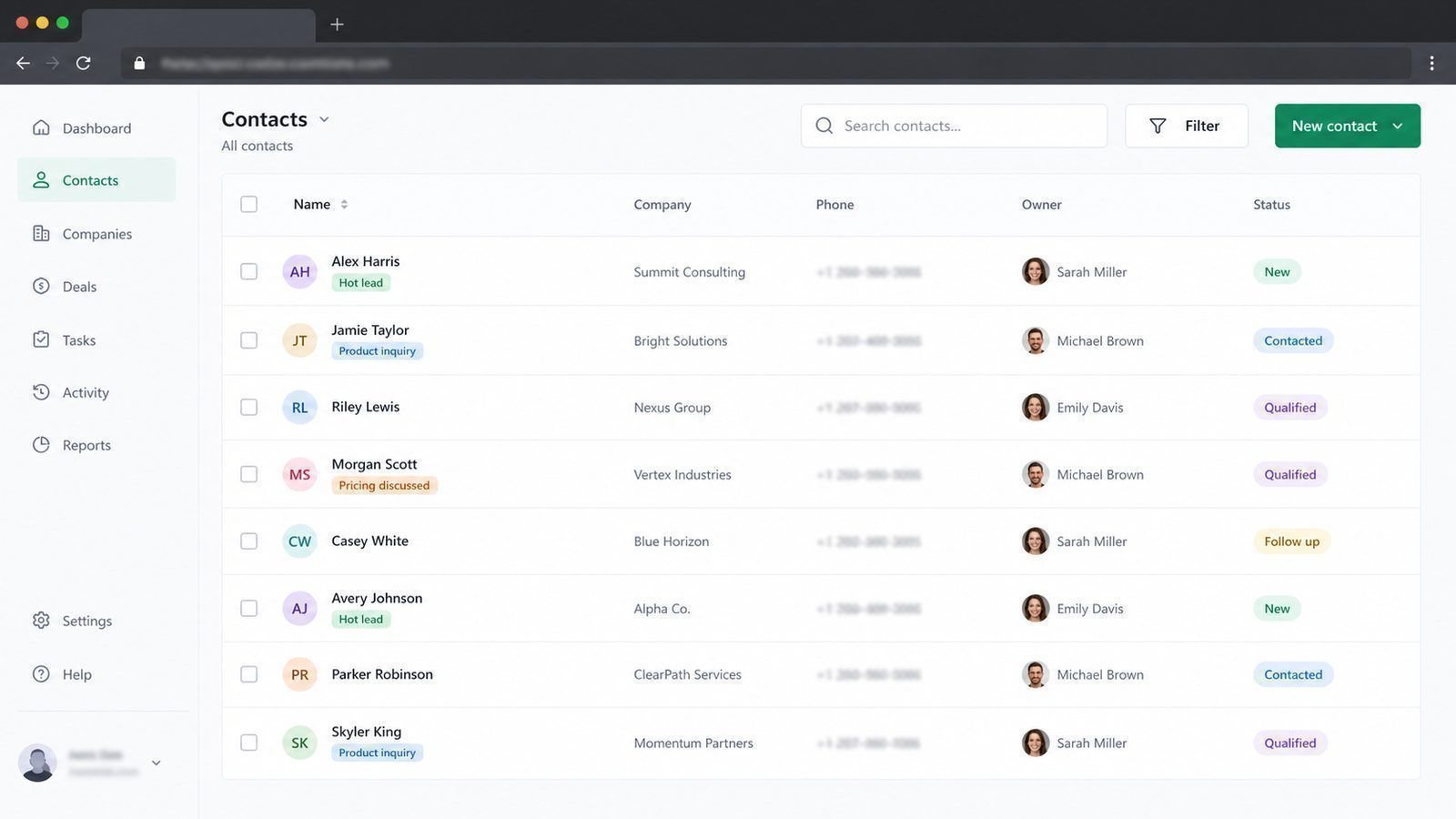
One client, one record. Every enquiry, quote, call and promise lives in that record — not in a private phone, not in a head, not in a second notebook. Everything else in this article is detail around that one rule.
The Fields That Matter
| Field | Why |
|---|---|
| Name, number, email | The basics, kept current |
| How they found you | Tells you which marketing works |
| Last conversation and date | Prevents the embarrassing blank |
| Next action and owner | The field that actually makes money |
| Value and status | So you know what is worth chasing |
The Weekly Habit 🔁
Twenty minutes, same time every week: clear the new enquiries, set the next actions, close the dead ones. This habit, in a spreadsheet, beats an empty CRM every time — and it is the honest test of whether you need software at all.
When Spreadsheets Stop Working ✅
- Two or more people need the same list at the same time
- Client history walks out when a staff member leaves
- Follow-ups depend on someone remembering
- You cannot say what your open quotes are worth
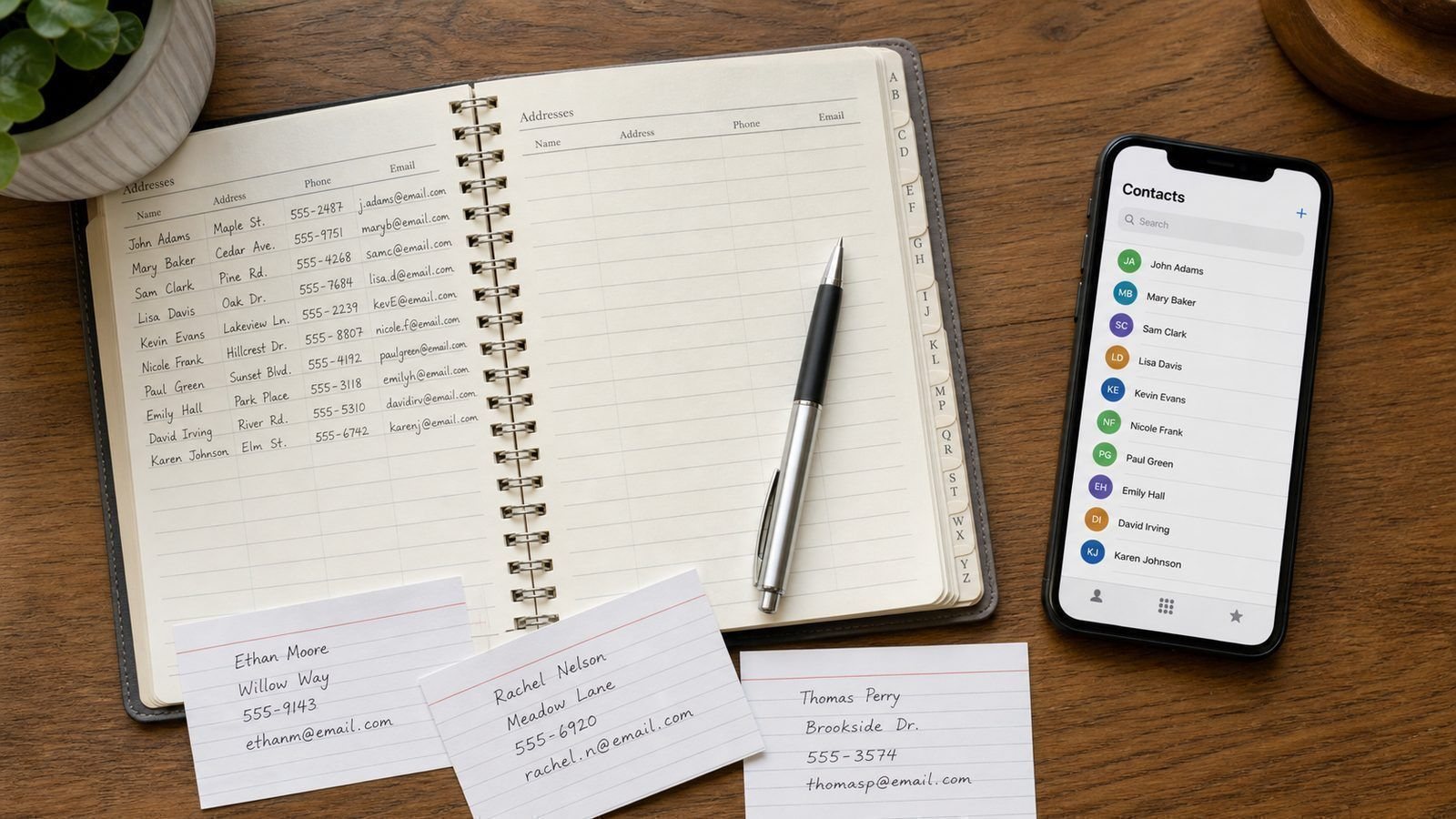
Data discipline matters too: one phone number format, no duplicate records, and a rule that the record is updated the same day, not at month-end. Messy data is the reason most CRM projects disappoint — the software was fine, the inputs were not.

Keeping Records Lawful and Sensible
Client information is personal information. The practical rules are simple: collect only what you use, tell people what it is for, limit who can see it, and delete what you no longer need. That means no photocopying a full ID when a name and number will do, and no keeping an old list of people who stopped buying years ago.
Accidentally, those rules also make the system work better. Records with a purpose and an owner get updated; records collected “because” rot. When someone asks what you keep and why, a one-page note in the folder is a complete answer — and a far better position than promising to dig through a cupboard.
Training the Team in Fifteen Minutes
Show everyone three tasks: how to add a new enquiry, how to log a note after a call, and how to set the next action with a date. Then set one rule: if it is not in the record, it did not happen. That sentence does more for data quality than any training manual, because it removes the grey area where private notes and stray notebooks multiply.
Lead by example for the first month — the owner logging their own calls is the difference between a system and a suggestion. After a month, review one random record a week in a team meeting and ask what is missing. The habit sticks faster with small, public corrections than with formal policy.
A Record That Answers in Five Seconds
Test any customer record with one question: could a colleague who has never met this client find out where things stand in five seconds? If they have to read six notes and open two attachments, the record is not doing its job.
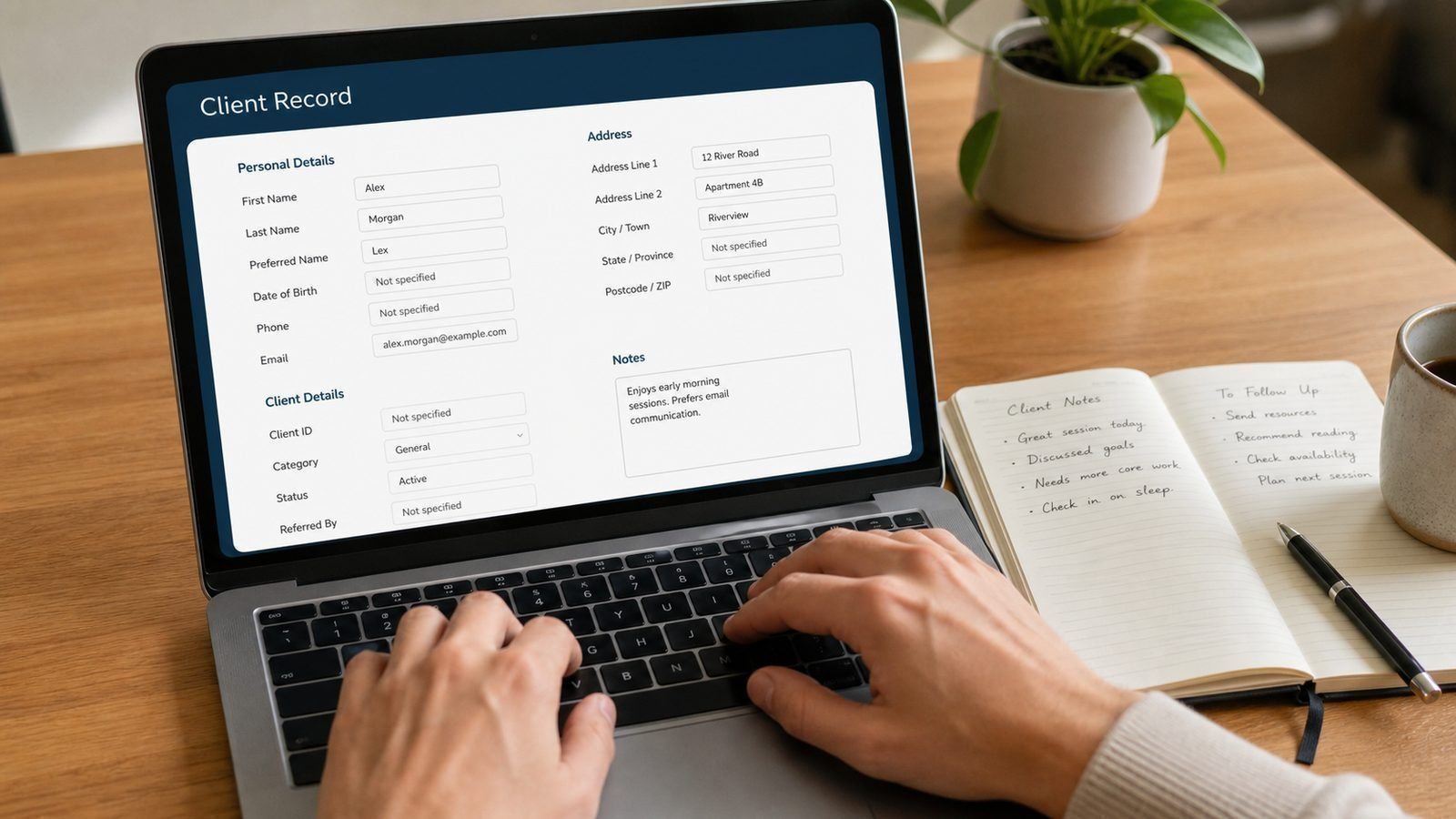
Structure it so they do not have to. Contact details at the top. The current status and the next action with a date, visible without scrolling. The last three relevant notes, and everything older folded away below. Value, source and owner in one line. Five seconds is not a design flourish — it is the difference between a system that gets used when you are busy and one that gets abandoned at exactly the moment it was meant to help.
Five Fields Every Record Needs
| Field | The question it answers |
|---|---|
| Contact and business name | Who is this? |
| Status | Where do we stand? |
| Next action and date | What happens next, and when? |
| Owner | Whose job is it? |
| Value and source | How much, and how did they find us? |
Five fields, updated in one place, replace an entire wall of sticky notes. Add anything else you like — but never remove these five, because they are the difference between a contact list and a working system.
Frequently Asked Questions
What is POPIA doing in this conversation?
Client information is personal information. Keep it for a legitimate purpose, limit who can see it, store it securely and delete what you no longer need.
Do we need a CRM to do this?
No — you need the rule and the habit. Software scales the system once the habit exists; it cannot create it.
What about customers who contact us on social media?
Move them into the record the same day, with a note on where the conversation started.
What belongs in a client note?
Three lines: what was discussed, what was promised, and the date the next step is due. Skip opinions and summaries of the weather. Notes like that take seconds to write and answer every future question about who said what.
Should we delete old client data?
Keep what you still need for a clear business or legal reason, in line with your record-keeping obligations, and delete the rest with a note of what was removed. A regular annual clean-out keeps the list valuable and the risk small.
What about backups of client data?
Insist on them, and know where they live. A backup in somebody’s personal cloud storage is not a backup plan; it is a new version of the same problem.
Take the follow-ups out of memory and into a system. See what a custom system includesAsk for a free system consultation |