Hey there! Today we'll sort the little printed handout every client keeps — costs included. 💳
| Quick answer: card pricing splits into design once and print per batch; paper stock and finish move the print price more than people expect. |
Business cards are the cheapest piece of branding you will ever print 🖨️ and the one that gets handled most. A card that is easy to read and easy to act on gets kept; a card that shows off a fancy font gets binned in the same pocket it arrived in.

Design and Print Costs
| Item | Typical price | Notes |
|---|---|---|
| Card design | R300 – R1,500 | Should use your existing logo and colours |
| Print, 100 cards | R150 – R350 | Standard card, single-sided |
| Print, 500 cards | R300 – R700 | Where the unit price drops sharply |
| Premium finish (matt, spot UV, thicker stock) | +R150 – R600 | Buy this only for cards you hand to clients |
The Design Rules That Earn A Second Look 📐
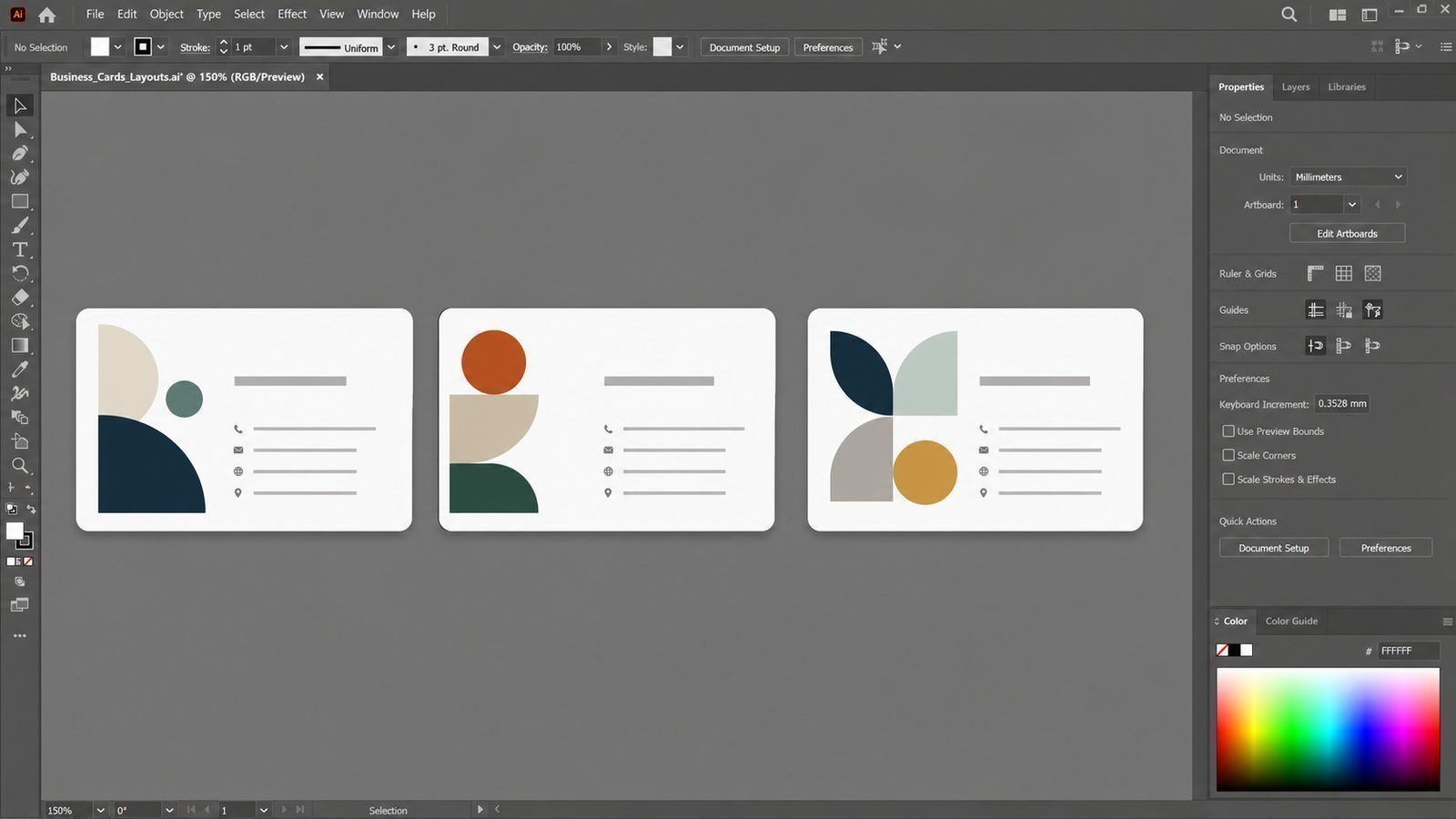
- One clear name, one role, one phone number, one email — in that order
- Logo small enough to breathe; it is a signature, not a poster
- Contrast high enough to read in dim light — matt stock helps
- Nothing within 4mm of the edge, so trimming never eats your number
What to Put on the Back ✅
If you sell services, use the back: three lines describing what you do, and a space for a note (people write on cards). If you sell a physical product, a photo or a QR code earns its place. If neither applies, leave the back blank — an uncluttered card beats a busy one every time.

Printing Without Surprises
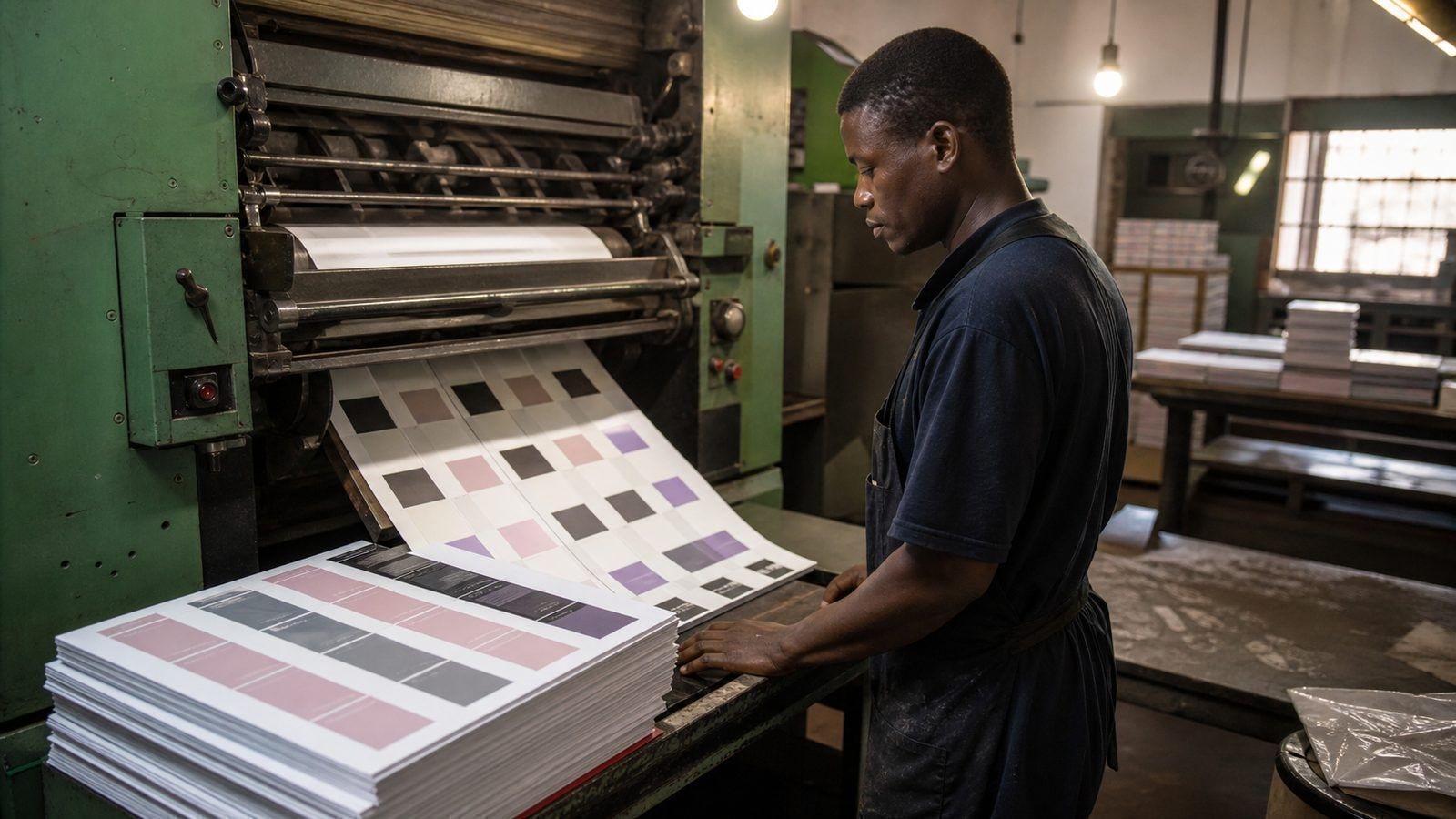
Three technical habits prevent costly mistakes. Always add bleed — a few millimetres beyond the trim edge — so background colours reach the paper edge cleanly. Keep text at least 4mm from the cut. And export a press-ready PDF rather than sending a Word file, because your layout will move on a different computer.
Ask the printer to check the file before the press run, and request a single proof card. One physical proof costs almost nothing; a thousand cards printed with a wrong number cost the whole job and the week you needed them.
Reprint Schedules and Stock Rotation
Cards run out at the worst moments. Keep an unopened box in reserve, track how fast a box empties, and order the next run when you reach about a quarter. Reprint every year or two even if nothing changes, so the print batch matches and the colours stay consistent between old and new cards.
If something does change — a new number, address or role — change it everywhere at once: cards, email signature, quote template, invoices, and the website. Mixed details across documents are noticed more often than people admit.
Where Five Hundred Cards Should Go
Cards only work where they are handed over deliberately. Keep a small stack in the vehicle for suppliers, parking attendants and the conversations that happen at fuel stations. Leave ten with your best referral partners — the accountant, the estate agent, the mechanic. Take a dozen to every networking event and give away five. Slip two into every invoice envelope for the first year.
What not to do: leave a pile on a counter nobody monitors, or hand them out at random. A card handed to a person with a sentence attached is remembered. Fewer, better-aimed handovers beat a box that empties into a drawer.
QR Codes, Done Properly
If you print a QR code on a business card, make sure it lands somewhere that does something. A booking page, a quote form, a catalogue or a saved contact file — not the home page of a website with three unfinished sections.
Two practical rules. Test the code on four different phones, including an older handset, before the full print run. And keep the destination stable: if you change platforms next year, the code on thousands of printed cards must still work, so point it at a link you control rather than at a page that may move. Printed codes are permanent; choose their destination accordingly.
Cards for a Team
When several people hand out cards, consistency does more work than design. The same layout, the same paper, the same information order makes a team look organised; four card styles from four print shops makes even a good business look improvised.
Keep a master file with every person’s details already typeset on it, and reprint in small batches as people run out or change roles. It costs slightly more per card and saves the awkwardness of a card that lists a number nobody answers any more.
One layout, many names, reviewed annually.
Frequently Asked Questions
How many should I print?
Start with 500. It is the point where price per card drops and you can still change your mind next year.
Do digital cards replace printed ones?
They complement. The printed card is remembered physically; the digital one is saved. Have both, with the same details.
Can I design them myself?
Yes — use your brand colours, keep it simple, and have the printer check the file for bleed before it goes on the press 🎨.
How often should cards be reprinted?
When details change, and a fresh batch every year or two so print colours stay consistent between old and new cards. Keep one unopened box in reserve and reprint when you reach the last quarter of it.
Should the card have a QR code?
If it leads somewhere useful — a booking page, a catalogue or a saved contact. A QR code to a home page nobody updates is decoration that readers will not scan twice.
Matt or gloss?
Matt feels more premium and photographs better; gloss resists handling a little more. For a card handed to clients, matt with a slightly thicker stock is the safe choice.
A logo is doing a job either way — make it a good one. See logo and branding packs — from R1,300Get my free branding quotation |