Hi! Let's talk delivery apps: what drives the price up, and what you can safely skip. 📍
| Quick answer: delivery apps cost more than they look, because live tracking, driver logins and proof-of-delivery each add real build and testing time. |
Delivery apps are the most expensive ordinary app a small business can commission 🚚, and the reason is arithmetic: they have more than one user type. Add a driver view to a customer app and you have not added a screen — you have added a second product that must agree with the first in real time.
The Cost by Feature
| Feature | Cost impact | Notes |
|---|---|---|
| Customer ordering | Baseline | Catalogue, cart, address capture |
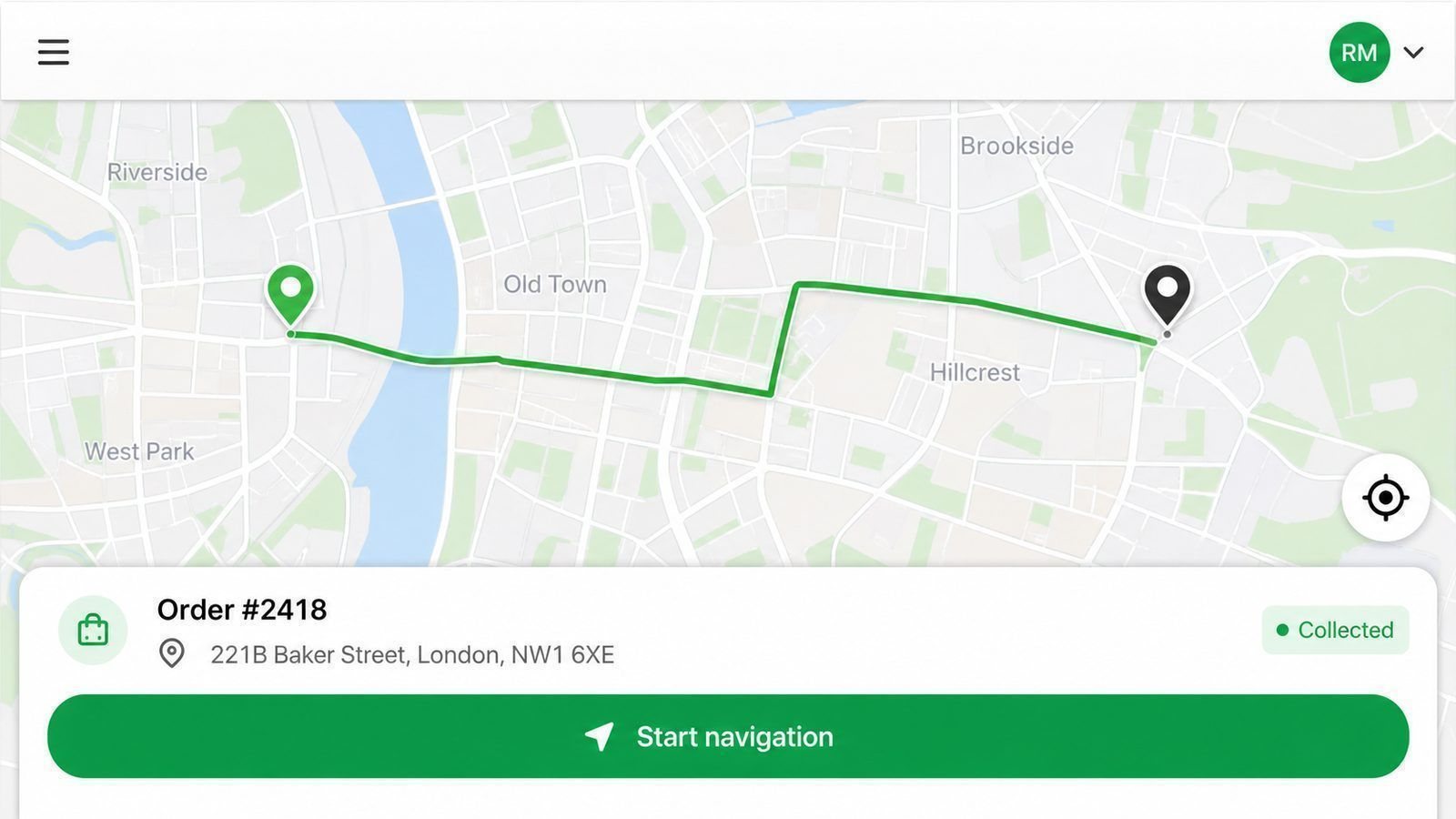
| Driver app | Large | Second interface, second set of rules |
| Live tracking | Large | Battery, data and privacy handling |
| Notifications | Moderate | Per-message costs at volume |
| Payments and payouts | Large | Refunds, disputes, driver earnings |
Where the Money Actually Goes 🗺️
Thirty percent of a delivery build is the part customers see. The rest is the invisible agreement between customers, drivers and the office: who has the parcel, what happens when a phone is offline in a lift, how a failed drop is re-attempted, and what the customer is told at each step. Those rules are why quotes for the same wish list land R80,000 apart.
Cutting the Build Without Cutting the Product 📦
- Launch without live tracking: notify at milestones instead
- Handle driver payouts manually for the first months
- Start with one city or one suburb, not the whole map
- Use proven payment rails rather than building your own
The Bills After Launch 💳
Hosting for a tracking system is a live service, not a static website: expect a monthly bill that grows with drivers and parcels, plus notification costs, store accounts and maintenance at 15% – 20% of the build per year. Price those before you price the app.
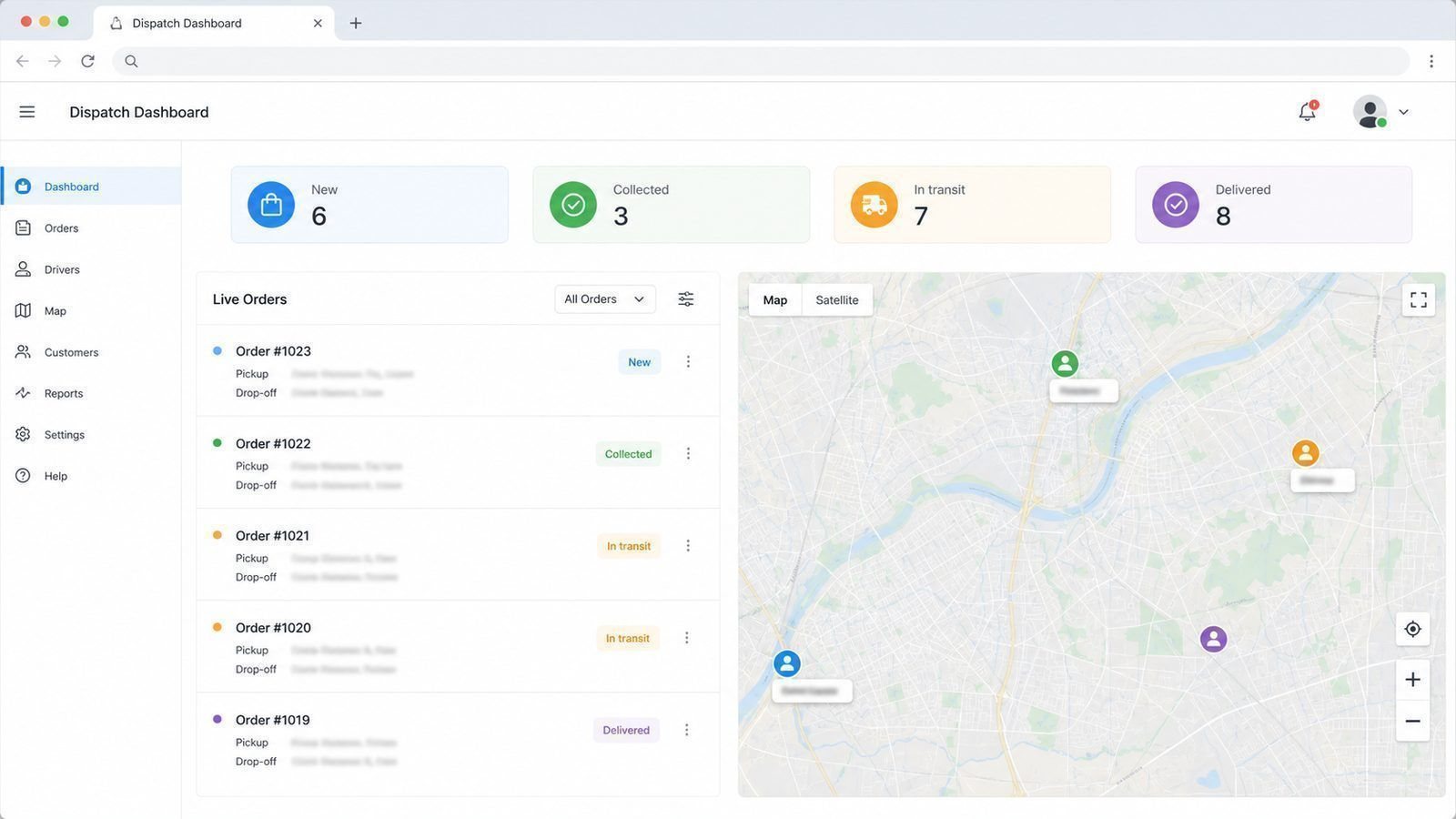
Start With One Suburb, Not One Map
The fastest way to make a delivery operation fail is to launch everywhere. Pick one suburb or one route, learn the real timings, discover the parking realities, and find out which addresses eat forty minutes. Then expand with facts.
Software built for the whole map on day one tends to include features nobody needs yet: zone pricing, driver ratings, surge windows. Every one of those is extra logic and extra cost. The suburbs you add in month three will tell you exactly which of them are worth building.
The Support Question
A live delivery system fails in the field, at the worst times, at peak hour. Agree before launch who answers, how fast, and what counts as an emergency — a driver unable to log in at 6am is a different category to a reporting chart being slightly wrong.
Put that in the maintenance agreement: response times, escalation contacts, and a monthly summary of what was fixed. If nobody has agreed to answer the phone on a Saturday, plan for the day your best driver cannot start his day — and plan it now, not then.
The Dispatch Desk Reality
Software does not manage drivers — a person does, with software as the instrument. Decide early who assigns orders, who is the contact when a driver is stuck, and what happens at 8pm when something goes wrong. One named dispatcher, even part-time, prevents the most common operational failure: three people assuming someone else has the order.
Then plan for the boring realities: phone batteries, data bundles, rain, loadshedding and addresses without street numbers. Each of these is a real feature decision hiding in a practical problem, and every one of them is cheaper to handle in the design than to patch after the first busy weekend.
Six Features Worth Paying For
Delivery apps carry dozens of possible features. In practice, six of them decide whether the operation runs.
| Feature | What it saves you |
|---|---|
| Live status per order | Most of the “where is my order?” calls |
| Proof of delivery | Arguments about whether it arrived |
| Cash and card reconciliation | End-of-day guessing |
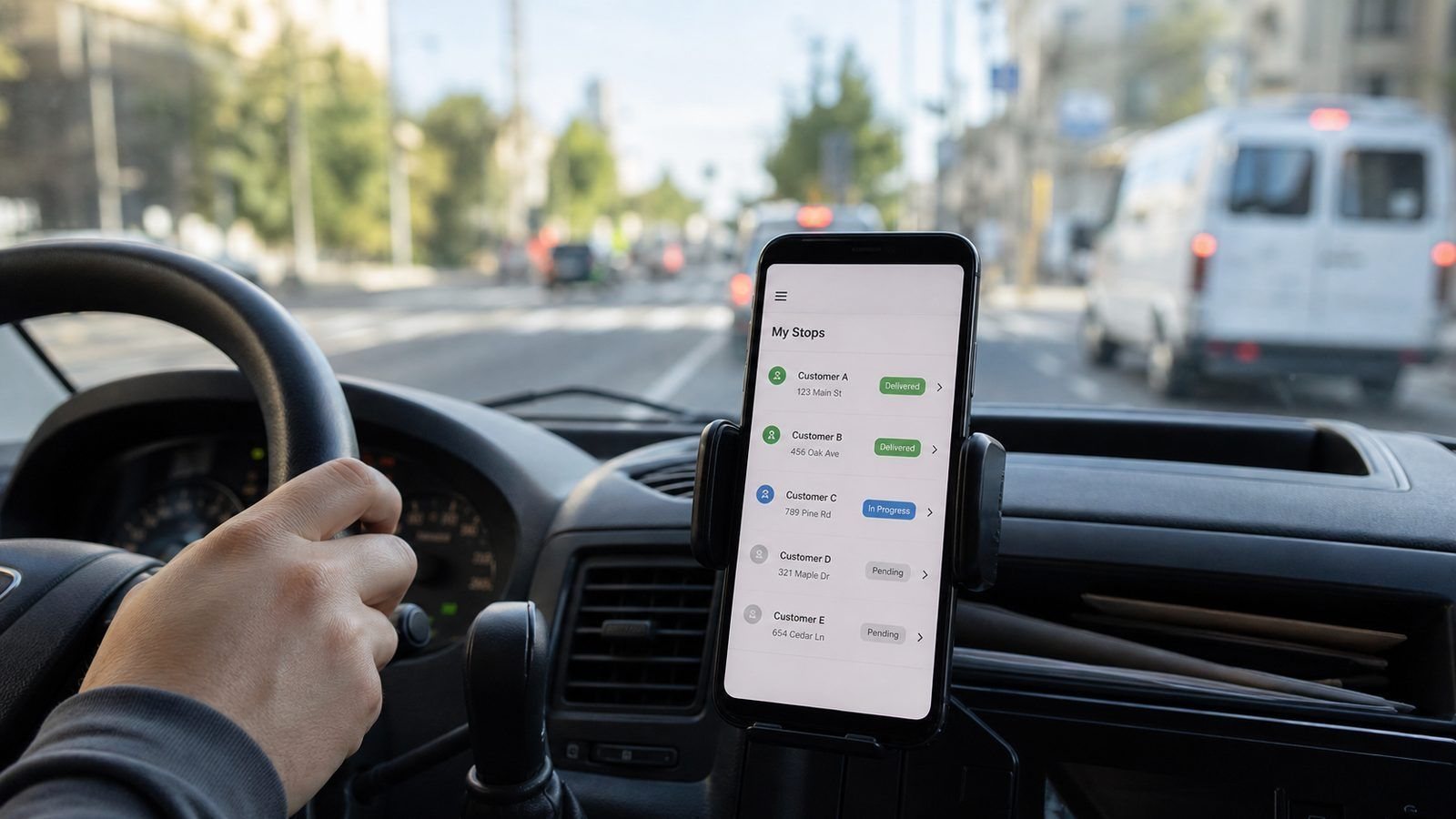
| Route view for drivers | Fuel and time on wrong turns |
| Customer history | Repeating manual entry on repeat orders |
| Refund and reattempt rules | Ad-hoc decisions under pressure |
Everything else — ratings, promotions, loyalty points — can wait until these six work every day without argument.
| The driver-day test Accept order. Navigate. Update status. Capture proof of delivery. Reconcile cash. Five taps or fewer per stop — more than that and drivers will run the route on phone calls instead. |
Frequently Asked Questions
Do I need an app, or will messages do?
Below a few deliveries a day, messages and a spreadsheet genuinely work. The app earns its cost when the manual coordination breaks — missed drops, wrong addresses, nobody knowing where the driver is.
Can drivers use one app for many clients?
Sometimes, with the right permissions design. It is a planning decision, not an afterthought.
What is the biggest hidden cost?
Support. A live delivery system fails at 7pm, and someone must answer.
Do drivers need training on the app?
Budget half a day. Drivers need three tasks drilled: accept an order, update a status, and mark proof of delivery. The rest of the app they will never open — teach the three that matter and keep a one-page printout in each vehicle.
What about customers who cannot use apps?
Keep a phone line open. A good delivery app removes admin, not service, and a share of your customers will always prefer to call. The businesses that handle both channels well keep the volume and the goodwill.
Can we start with deliveries in one area and add more?
Yes, and it is strongly recommended. Area rules, pricing zones and driver counts all change as you grow, and it is far cheaper to add each area once than to guess all of them at the start.
Do drivers need company phones?
Not necessarily — most operations run on the drivers’ own handsets with data allowances. Budget for the data, not the handsets, and decide the policy on personal phone use in writing.
Stop guessing what your app will cost. See how apps are priced, phase by phaseGet my free app quotation |